
Muse + Uber Eats: Your AI Agent Buys Coffee, Snaplii Pays
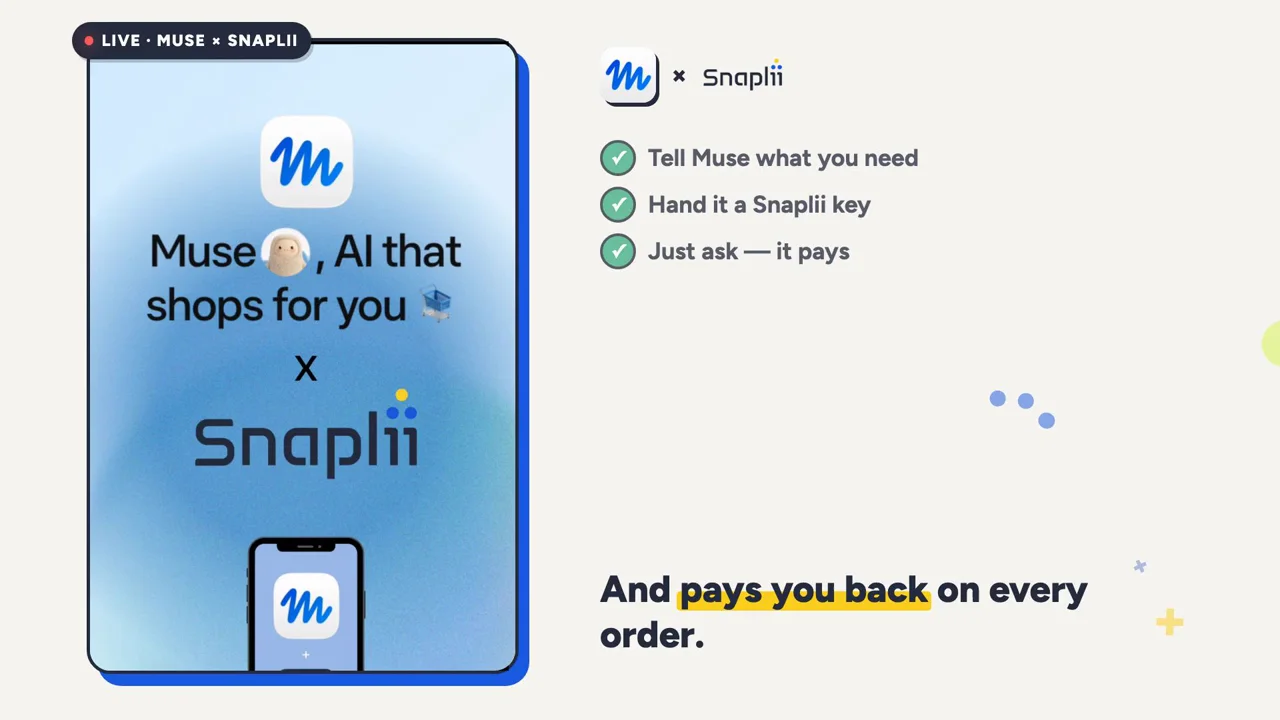
TL;DR — Meta's Muse agent can now order Uber Eats and pay for it through Snaplii. You hand the agent a scoped, pre-funded key instead of your credit card — so it can spend without ever touching your card — and you still earn cashback on what it buys. We ran it end to end: coffee on the desk, card on file never charged, money back on the order. Total human effort: one sentence and one tap.
Can Muse pay for Uber Eats?
Yes. Muse can order Uber Eats and complete payment through Snaplii today.
Muse can write and run its own integration code against any public API, CLI, or MCP server. Snaplii's payment API is public, documented, and issues per-user API keys. Put those two facts together and the integration is one step long: create a Snaplii API key in the Snaplii app, and hand it to Muse.
No connector listing to wait for. No approval queue. No partnership required.
What actually happened
We asked Muse for a coffee. Here is the whole interaction, unedited in shape:
"Buy an Uber Eats gift card on Snaplii first, then order a Grande cold brew — send it to Work."
Muse asked three questions — gift card amount, drink details, delivery address — then did the rest itself:
- Checked the Snaplii Cash balance ($101.80 available).
- Built the Uber Eats cart and priced it: $17.73, tip and fees included.
- Bought an $18 Uber Eats gift card through Snaplii to cover the total.
- Applied the card at checkout and placed the order.
- Reported back: "Order placed. 1× Grande cold brew heading to Work, arriving 11:26–11:40 AM."
The coffee was on the desk before noon.
The receipt
| Line | Amount |
|---|---|
| Uber Eats order (drink, fees, 15% tip) | $17.73 CAD |
| Uber Eats gift card bought via Snaplii | $18.00 |
| Paid from | Snaplii Cash (prepaid balance) |
| Charged to the Visa on file | $0.00 |
| Snaplii cashback returned | +$0.54 (3% on every Uber Eats card) |
That last row is the part that doesn't exist anywhere else in agentic commerce. The agent didn't just spend money. It earned some back.
The three steps, in full
1. Tell Muse what you need
Plain language. "Order me a coffee and send it to work." Muse handles the merchant, the menu, the cart, the tip, and the address.
2. Hand it a Snaplii key — not a card
In the Snaplii app: More → Payment Methods → AI Payment Management → + New API Key.
You name the key ("Muse"), choose a daily spending limit — $100, $200, $500, $1000 — and set the access scope. Then you paste it into Muse once. It's exchanged for a short-lived session token and never written to disk.
Two things are true about that key that are not true about a credit card:
- It can only reach your Snaplii Cash balance. Not your bank account. Not your Visa. The money an agent can touch is money you already decided to put there.
- It has a ceiling you set. The daily limit is enforced by Snaplii, not by the agent's good judgment.
3. Just ask — it pays
From then on, it's one sentence and one confirmation tap.
And Muse remembers. After the first run it saved the whole flow as a reusable skill: "buy coffee," "buy pizza." Order through Uber Eats, 15% tip, confirm the address, buy a best-fit Snaplii gift card to cover the total, top up first if needed, then place the order.
Which means the honest version of the headline is this: tomorrow morning, "coffee" is the entire instruction. A standing ask, a cup on the desk by the time you sit down, and 3% back on every single one.
Why not just give the agent your card?
Because a credit card is the wrong shape for software.
A card number is a credential with your full credit limit behind it, valid at every merchant on earth, reusable forever. It was designed for a human being who types it, checks the total, and clicks Pay. An agent is not that. An agent acts autonomously, across many sites, at machine speed, and — as Meta itself has said plainly — is not immune to prompt injection. Hidden text on a page can change what your agent does next. Nobody in this industry has solved that. We haven't either.
What you can change is what a bad instruction can reach.
Snaplii sits between the agent and the merchant as a dedicated payment layer:
User → Snaplii → AI Agent → Merchant
instead of:
User → Credit Card → AI Agent → Merchant
Each payment instrument the agent gets is pre-funded, merchant-bound, and single-use. When the balance is gone, it's gone — the ceiling is structural, not a policy the agent could be talked out of. A successful attack against a stored card reaches your credit limit. The same attack against a capped Snaplii key reaches a prepaid balance, at one merchant, once.
The principle, unchanged since we started building this:
Give the agent permission to pay — not your credit card.
More than a payment method
A payment layer built for agents shouldn't just move money from A to B. It should be something the agent can optimize against.
With Snaplii, an agent isn't only answering "what should I buy?" — it's also answering "how should I pay for it?"
Discover → Decide → Optimize → Pay
That means:
- 200+ brands, with up to 15% back depending on the merchant — Uber Eats, DoorDash, Instacart, Best Buy, Wayfair, IKEA, Home Depot and more.
- No merchant integration required. Snaplii buys the gift card; the merchant sees an ordinary gift card at checkout. Uber Eats doesn't need to know an agent was involved.
- Multiple forms of value — CAD, USD, RMB, USDT, USDC.
Cashback stacks on top of whatever promo the merchant is already running. Over the account in this demo, that's added up to $480.41 saved to date.
How to set this up yourself
- Download the Snaplii app and fund your Snaplii Cash balance (e-Transfer arrives instantly).
- Go to More → Payment Methods → AI Payment Management and create an API key. Set a daily limit you'd be comfortable losing.
- Paste the key into Muse and tell it what you want.
- Developers: the same API, CLI (
pip install snaplii-cli), MCP server, and agent skills are on GitHub, Apache 2.0.
Start read-only if you're cautious — keys can be issued as PAY_READ (browse and price only) before you ever grant PAY_WRITE.
FAQ
Can Meta's Muse pay for things on its own? Muse requires a payment card on file before you can use it at all, including on the free tier. With Snaplii connected, it can transact without that card being the instrument it uses — it draws on a prepaid Snaplii Cash balance instead.
Is Snaplii an official Muse connector? No. Snaplii connects through its own public payment API, which Muse can call like any other API. It is not listed in Meta's curated connector directory, and Meta has not endorsed or approved it.
Does the agent see my credit card number? No. The agent receives a scoped API key, never card credentials. Gift card codes and PINs are masked by default.
What's the most an agent could spend? Whatever is in your Snaplii Cash balance, capped further by the per-key daily limit you set in the app. Both ceilings are enforced by Snaplii, not by the agent.
Does Snaplii stop prompt injection? No — and be suspicious of anyone who says their product does. Snaplii limits the blast radius: pre-funded, merchant-bound, single-use credentials mean a compromised instruction reaches a bounded amount at one merchant, once.
Do I still get cashback when an agent buys for me? Yes. Rates are identical whether you tap the button or your agent does. The Uber Eats run above returned 3%.
Which countries does this work in? Snaplii serves Canada and the United States, across CAD, USD, RMB, USDT and USDC.
About Snaplii
Snaplii is a payment layer for the AI agent economy. It lets autonomous agents transact at 200+ merchant brands using pre-funded, tokenized, single-use credentials — so an agent gets permission to spend without access to the user's underlying financial credentials — and returns up to 15% back on every transaction. Snaplii is headquartered in Toronto, serves the US and Canada, and has 350,000+ members who have saved over $3M. Its Agent-to-Merchant (A2M) payment infrastructure is open source under Apache 2.0.
AI decides. AI acts. Snaplii handles the payment.
Explore the developer infrastructure → github.com/Snaplii-Inc/agent-to-merchant-payments