
Can E Gift Cards Be Used in Store? It Depends on How You Present Them
You bought an e gift card online. Now you are standing at the register, phone in hand, wondering if the cashier will actually accept it. This moment of hesitation is more common than most people think. The short answer is yes, most e gift cards do work in store. But the way you present them at checkout determines whether the process takes five seconds or five awkward minutes. This article explains what cashiers need to see, which formats work best, and how to make sure your e gift card is ready before you reach the register.
Why Some E Gift Cards Work in Store and Others Do Not
Not all e gift cards are built the same way. The difference comes down to how the card was issued and what it was designed for.
Omnichannel cards are meant to work everywhere the brand operates. Buy one from a major retailer's website or a cashback platform, and it typically comes with a barcode, QR code, or card number that registers at both online checkout and physical point-of-sale terminals. These are the most common type, and they are what most people picture when they think of digital gift cards working in physical stores.
Online-only cards are restricted to website or app purchases. They usually carry a redemption code but no scannable barcode. If you try to use one at a physical register, the system will not recognize it.
The easiest way to tell the difference is to check the card details before you leave the house. If you see a barcode, QR code, or the phrase "valid in store," you are good. If the card only shows an alphanumeric code with instructions to "enter at checkout online," it is likely limited to web use.
Four Formats That Work at the Register
Once you know your e gift card is store-compatible, the next question is how to present it. There are four reliable methods, and each has a best-use scenario.
1. QR Code or Barcode Scan
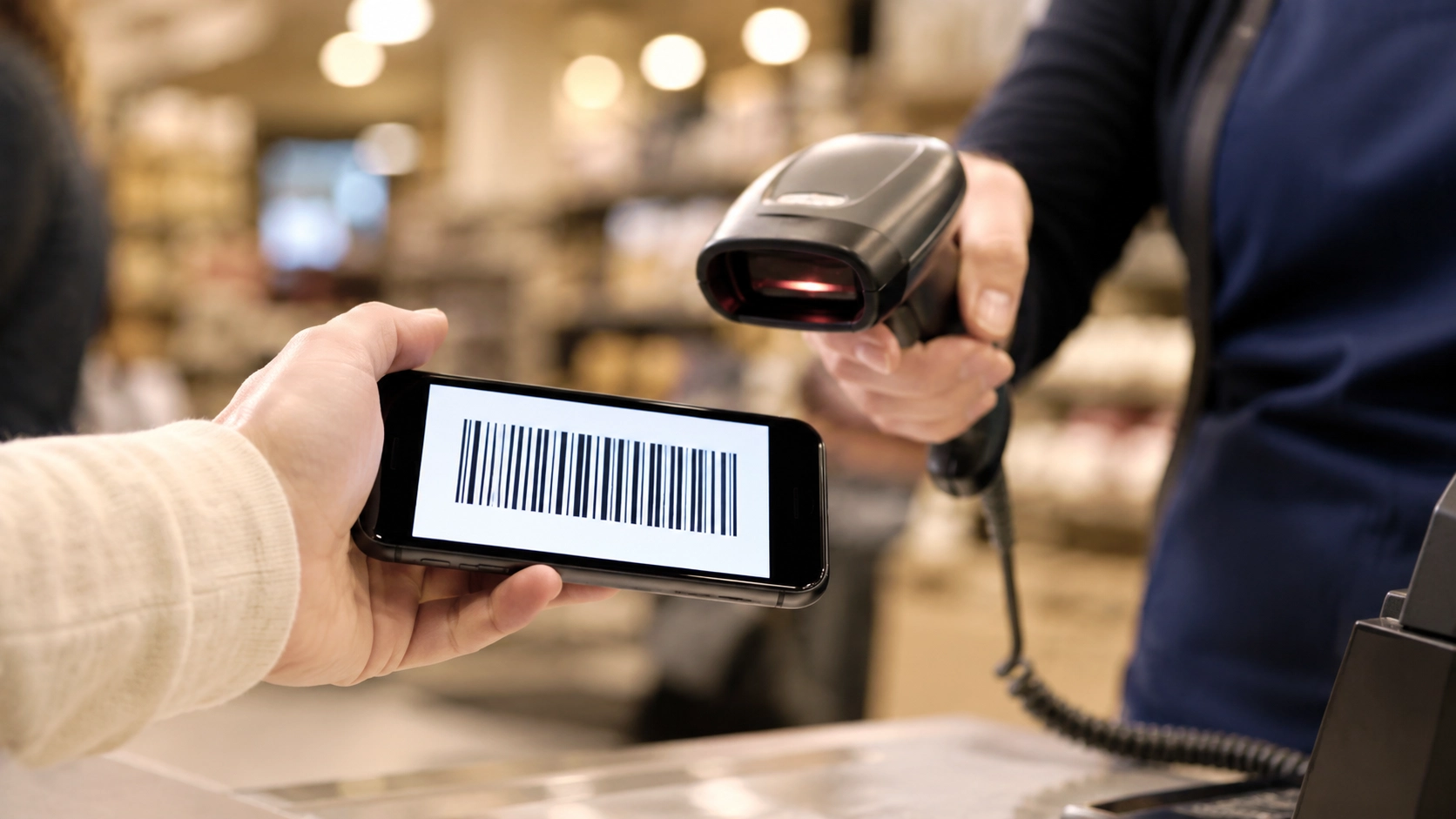
This is the fastest option. Open the e gift card on your phone, set your screen brightness to maximum, and show the barcode or QR code to the cashier. They scan it directly from your screen, and the balance is deducted instantly.
Most modern POS systems support screen scanning. If the store uses older hardware, the cashier may need to switch to manual entry.
2. Mobile Wallet
Add your e gift card to Apple Wallet, Google Pay, or Samsung Wallet. This converts the card into a tap-ready format that behaves like a contactless payment. No need to open an email or search through screenshots.
This method is the most reliable because wallet-stored cards load faster, display cleaner barcodes, and do not time out the way email links sometimes do.
3. Manual Entry
If scanning fails, the cashier can type in the card number and PIN manually. This works at almost every register, but it takes longer and requires the cashier to know the process.
Keep your card number and PIN visible on your screen or written down. Some cashiers are not familiar with manual gift card entry, so patience helps.
4. Printed Copy
Print the e gift card email or take a screenshot and print it. Hand the paper to the cashier, and they scan or key in the number as they would with any physical card.
This is the most foolproof backup. If your phone dies, loses signal, or cannot load the card, a printed copy keeps your purchase on track.
E Gift Card vs Physical Gift Card: When Each One Fits Better
The two formats serve the same purpose but suit different situations. Neither is universally better.
| Factor | E Gift Card | Physical Gift Card |
|---|---|---|
| Delivery speed | Instant (email/app) | Requires shipping or store visit |
| In-store usability | Works with barcode, wallet, or manual entry | Swipe or scan at register |
| Risk if lost | Can be recovered from email or app | Gone permanently |
| Gifting presentation | Digital delivery only | Tangible, wrappable |
| Cashback potential | Available on some platforms | Rarely offered |
| Convenience for self-use | Buy from home, use within minutes | Requires a trip to purchase |
Choose an e gift card when you need it immediately, plan to store it in a mobile wallet, or want to earn cashback on the purchase.
Choose a physical card when you are giving a gift in person and want something the recipient can hold and open.
For everyday self-use, e gift cards are more practical. They arrive instantly, live on your phone, and can be purchased through platforms that return a percentage of what you spend.
A Pre-Checkout Checklist for E Gift Card Users
A little preparation before you leave the house prevents most problems at the register. Run through these steps once, and you will not have to think about them again.
- Confirm in-store compatibility. Check the card details for a barcode, QR code, or "valid in store" label. If none of these exist, the card may be online-only.
- Add to your mobile wallet. Apple Wallet and Google Pay load faster and display more cleanly than email links. Do this at home, not in line.
- Screenshot as backup. Take a screenshot of the card's barcode and PIN. Save it to your camera roll so it is accessible even without internet.
- Check the balance. Verify the remaining balance before your trip. Knowing the exact amount prevents surprises at checkout.
- Charge your phone. A dead phone means no card. If your battery is low, print the card before you leave.
Where to Buy E Gift Cards That Are Always Ready for In-Store Use
Where you buy your e gift card affects more than just price. It also determines how easy the card is to use once you get to the store.
Some platforms deliver e gift cards as plain text codes in an email. Others provide a full barcode, mobile wallet integration, and instant delivery. The difference matters when you are standing at the register.
Platforms like Fetch let you redeem points for gift cards, but the process involves earning over time before you can cash out. Raise and CardCookie sell discounted gift cards from resellers, which can work well but may carry verification delays.
Snaplii is a digital gift card cashback app headquartered in Canada that helps North American shoppers earn instant rewards on everyday purchases. It takes a different approach: you buy the e gift card at face value and receive 5% to 12% cashback instantly.
What makes Snaplii practical for in-store use:
- Barcode included. Every Snaplii e gift card comes with a scannable barcode ready for the register.
- Instant delivery. The card is available in the app within seconds of purchase, no waiting for email.
- 500+ brands. The selection covers grocery, dining, fuel, retail, and more.
- Wallet-friendly. Cards can be stored and accessed directly from the app without digging through email.
Snaplii supports WeChat Pay, Alipay, and debit or credit cards as payment methods. Snaplii Cash earned from purchases can only be used for future gift card purchases and cannot be withdrawn to bank accounts. For shoppers who regularly buy e gift cards for in-store use, the cashback turns a routine purchase into a recurring saving.
FAQ
Can I use an e gift card at self-checkout?
Yes, if the self-checkout terminal has a barcode scanner. Hold your phone screen under the scanner with brightness at maximum. If the scanner cannot read it, most terminals have a "gift card" option where you can type the card number manually.
What if the store's scanner cannot read my phone screen?
Ask the cashier to enter the card number and PIN manually. This works at nearly every register. Having a screenshot or printed copy as backup also solves this quickly.
Can I combine an e gift card with another payment method?
Yes. If your e gift card balance does not cover the full purchase, the remaining amount can be paid with cash, debit, or another card. Let the cashier know before they start ringing up.
Do e gift cards from cashback platforms work the same way in store?
They do, as long as the card includes a barcode or QR code. Platforms like Snaplii provide store-ready cards with scannable barcodes, so the checkout experience is identical to any other e gift card.
Can Snaplii Cash be withdrawn to a bank account?
No. Snaplii Cash cannot be withdrawn to bank accounts. It stays in your Snaplii account and can be applied toward future e gift card purchases, which works well if you buy gift cards for in-store shopping on a regular basis.