
Receipt Scanning App: What It Helps With and How to Choose One
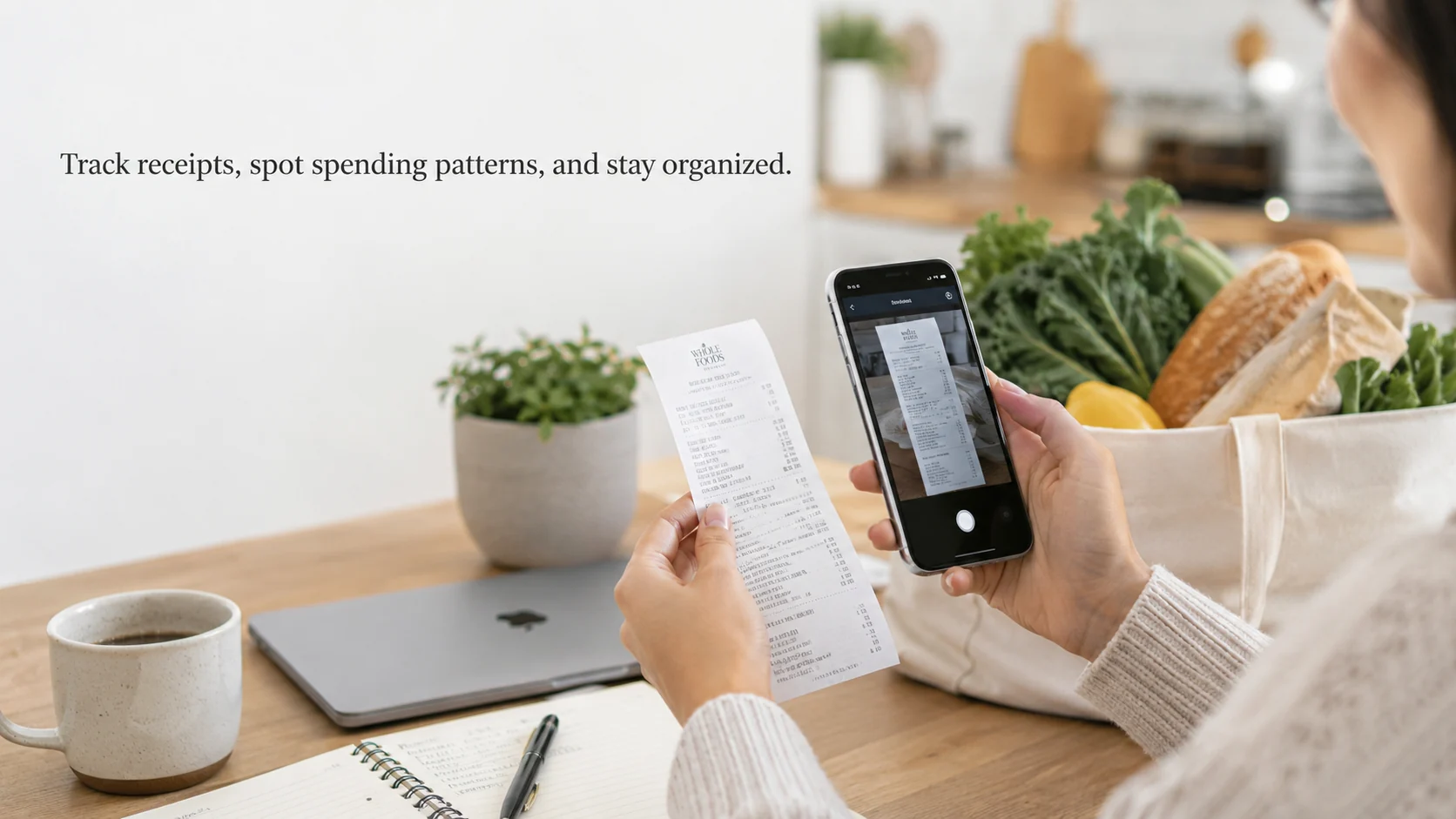
A receipt scanning app is useful when purchases are easy to forget: groceries, household supplies, dining, gas, gifts, small errands, and online orders. Most shoppers do not lose track of spending because of one huge purchase. They lose track because small receipts pile up, digital orders land in different inboxes, and household purchases repeat before anyone notices.
The real value of a receipt scanning app is not simply storing receipts. It is turning scattered purchases into records that help with budgeting, returns, reimbursements, shared expenses, and smarter savings decisions.
Quick Answer
A receipt scanning app helps shoppers capture, store, and organize purchase records. It can be useful for tracking spending, finding duplicate purchases, keeping return records, managing household budgets, and supporting cashback or rewards routines.
The best receipt scanning app depends on what the shopper needs most: simple receipt storage, category tracking, family budgeting, work reimbursement, cashback records, or digital gift card purchase organization.
What a Receipt Scanning App Actually Solves
A receipt scanning app solves the problem of scattered purchase records. A grocery receipt may be in a jacket pocket. A household receipt may be in a kitchen drawer. A restaurant receipt may be in a bag. An online order confirmation may be buried in email. By the time the shopper wants to review spending or return something, the record is hard to find.
For a parent buying groceries twice a week, scanned receipts can reveal duplicate household items: another bottle of cleaner, another snack box, another personal care item that was already at home. For a student, receipts can show how much food, coffee, transit, and small errands cost across a normal week. For a shared apartment, receipt records can help roommates split grocery or household expenses more fairly.
For a freelancer, gig worker, or employee buying supplies, receipt scanning can also support reimbursement and tax organization. The app is not just a storage tool. It becomes evidence of what was bought, when, and why.
Receipt Scanning vs. Cashback Apps vs. Gift Card Apps
These tools can overlap, but they do different jobs.
| Tool type | Main purpose | Best for |
|---|---|---|
| Receipt scanning app | Stores item-level purchase records | Budgeting, returns, shared expenses, reimbursements |
| Cashback app | Rewards eligible purchases or shopping actions | Shoppers looking for value before or after purchase |
| Banking app | Tracks payment transactions | Account-level spending review |
| Gift card app | Manages e-gift card purchases and value | Planned gift card spending and digital records |
A banking app may show that $72 was spent at a store, but it may not show what was purchased. A receipt scanning app can show the item details. A cashback app may show reward value. A gift card app may show e-gift card purchases, gift card value, and related app records.
The strongest system is often a combination: card or bank records for payment history, receipts for item details, and app records for cashback or gift card value.
When Receipt Scanning Is Most Useful
Receipt scanning is most useful when the purchase details matter later. Grocery and household receipts can help a family see whether weekly spending is rising. Dining and coffee receipts can reveal small repeat costs. Personal care receipts can help track routine purchases that are easy to forget. Gift receipts can help during birthdays, holidays, and thank-you gifts.
It is also useful for returns, warranties, and reimbursements. A shopper who buys a small appliance, school supplies, work materials, or home setup items may need the record later. A photo of the receipt is often easier to find than a folded paper slip.
The key is not to scan everything forever. The key is to scan the categories where records actually help.
How Receipt Scanning Can Help You Save Money
Receipt scanning can help save money because it makes spending patterns visible. It does not save money automatically. It shows where decisions can improve.
A shopper may notice that grocery totals are not the issue, but midweek top-up trips are. A family may discover that household supplies are bought too often because nobody checks what is already at home. A student may see that coffee and snacks are fine once or twice a week, but the habit becomes expensive when it happens daily.
Receipt records can also show whether cashback is helping or distracting. If a shopper buys items only because there is a reward, receipts make that behavior visible. If cashback supports purchases already in the budget, the records can confirm that too.
What to Look For in a Receipt Scanning App
| Feature | Why it matters |
|---|---|
| Easy photo capture | Receipts are often scanned quickly after shopping |
| Category tagging | Helps separate groceries, dining, gas, household, gifts, and work expenses |
| Search history | Useful for returns, warranties, and budget reviews |
| Export or summaries | Helpful for families, freelancers, or shared expenses |
| Privacy controls | Receipts show personal purchase habits |
| Digital backup | Prevents records from disappearing with paper receipts |
The best app is the one the shopper will actually use. A complicated app with too many steps may not last. A simple app that makes records easy to find can be more valuable.
Receipt Records for Common Shopping Scenarios
| Scenario | What to track | Why it helps |
|---|---|---|
| Weekly groceries | Total amount and repeat items | Finds duplicate purchases and changing food costs |
| Household restocks | Cleaning, personal care, pantry basics | Prevents buying what is already at home |
| Dining and coffee | Small repeat purchases | Shows whether casual spending is becoming a pattern |
| Gift shopping | Gift amount, recipient, purchase source | Helps avoid duplicate gifts and keeps records organized |
| Work or school expenses | Supplies, travel, materials | Supports reimbursement or category review |
A receipt scanning app becomes more useful when each receipt has a purpose. Scanning every receipt without reviewing them can become digital clutter. Scanning the right receipts creates useful records.
Where Snaplii Fits
A receipt scanning app is strongest when the shopper needs item-level proof: what was bought, when it was bought, and whether the purchase belongs in groceries, dining, household, work, school, or gifts. Snaplii fits a different but related need: keeping the digital value side of shopping easier to review.
For shoppers who use e-gift cards as part of planned spending, Snaplii works like a mobile record layer for gift card activity and cashback value. Instead of digging through screenshots or email confirmations, users can keep e-gift card purchases, Snaplii Cash value, and app-based gift card records in one experience.
Snaplii’s product experience is built around Gift Card, Cash Back, Save Money, and E-gift Cards. When eligible participating e-gift card purchases earn 5%–12% instant cashback as Snaplii Cash, the value is easier to connect to a planned purchase rather than remembered later as a vague reward.
The natural fit is not “receipt scanner vs. Snaplii.” It is receipt records plus digital gift card records. A household might scan paper grocery receipts to see what was bought, while using Snaplii to review e-gift card activity and cashback value connected to planned shopping.
A Real Week of Purchase Records
Instead of thinking about records as separate tools, picture a normal week of spending.
| Day | Purchase | Best record to keep | Why it matters |
|---|---|---|---|
| Monday | Grocery trip | Receipt scanning app | Shows item-level food and household spending |
| Wednesday | Lunch or coffee | Card, app, or receipt record | Helps track small repeat purchases |
| Friday | Planned e-gift card purchase | Gift card app record | Keeps digital value and cashback activity visible |
| Saturday | Household restock | Receipt plus app record if used | Helps compare planned spend with actual items |
| Sunday | Birthday or thank-you gift | Receipt, order record, or gift card record | Helps remember recipient, amount, and purchase source |
This kind of weekly view is more useful than saving receipts randomly. A receipt scanning app answers “what did I buy?” A gift card app record answers “what digital value did I purchase or earn?” Together, they make the spending picture clearer.
Common Mistakes With Receipt Scanning
The most common mistake is scanning receipts but never reviewing them. A receipt folder that nobody checks is not a budgeting system. Another mistake is failing to tag categories, which makes it hard to separate groceries from dining, household items, gifts, and work purchases.
Some shoppers also rely only on bank statements. Bank records are useful, but they usually do not show item-level details. If the question is “Why was this grocery trip so expensive?” the receipt is more useful than the transaction amount.
Another mistake is losing digital gift card records outside the app. E-gift card purchases, cashback value, and receipt records should be easy to find when the shopper reviews spending.
A Practical Weekly Receipt Review
A useful routine can be simple:
| Time | What to review |
|---|---|
| After grocery shopping | Scan the receipt and check repeat household items |
| Midweek | Review dining, coffee, and convenience purchases |
| Before returning an item | Search the receipt record |
| End of week | Compare grocery, dining, household, and gift spending |
| End of month | Look for categories that keep surprising you |
The goal is not perfect tracking. The goal is noticing patterns before they become expensive.
FAQ: Receipt Scanning Apps
What is a receipt scanning app?
A receipt scanning app helps shoppers capture, store, and organize purchase records using photos, categories, and searchable history.
Do receipt scanning apps help save money?
They can help by making spending patterns visible. Savings usually come from spotting duplicate purchases, repeat small expenses, and categories that need better planning.
What purchases should I scan?
Scan purchases where details may matter later: groceries, household restocks, gifts, work expenses, school supplies, personal care, and items that may need returns or warranty records.
Are receipt scanning apps the same as cashback apps?
No. Receipt scanning apps organize purchase records. Cashback apps reward eligible purchases or shopping actions. Some tools may overlap, but the core purpose is different.
Can receipt scanning help with returns?
Yes. A scanned receipt can make it easier to find the purchase record when returning or checking an item.
How does Snaplii fit with digital purchase records?
Snaplii helps organize e-gift card purchases, Snaplii Cash value, and app-based gift card records. It complements receipt scanning rather than replacing it.
Final Takeaway
A receipt scanning app is useful when purchase details matter. It can help with budgeting, returns, shared expenses, reimbursements, and spending reviews.
For e-gift card purchases and cashback value, Snaplii can support the digital side of the spending record by keeping gift card activity and Snaplii Cash value visible in one app-based experience.