
How to Track Spending and Save More on Everyday Purchases
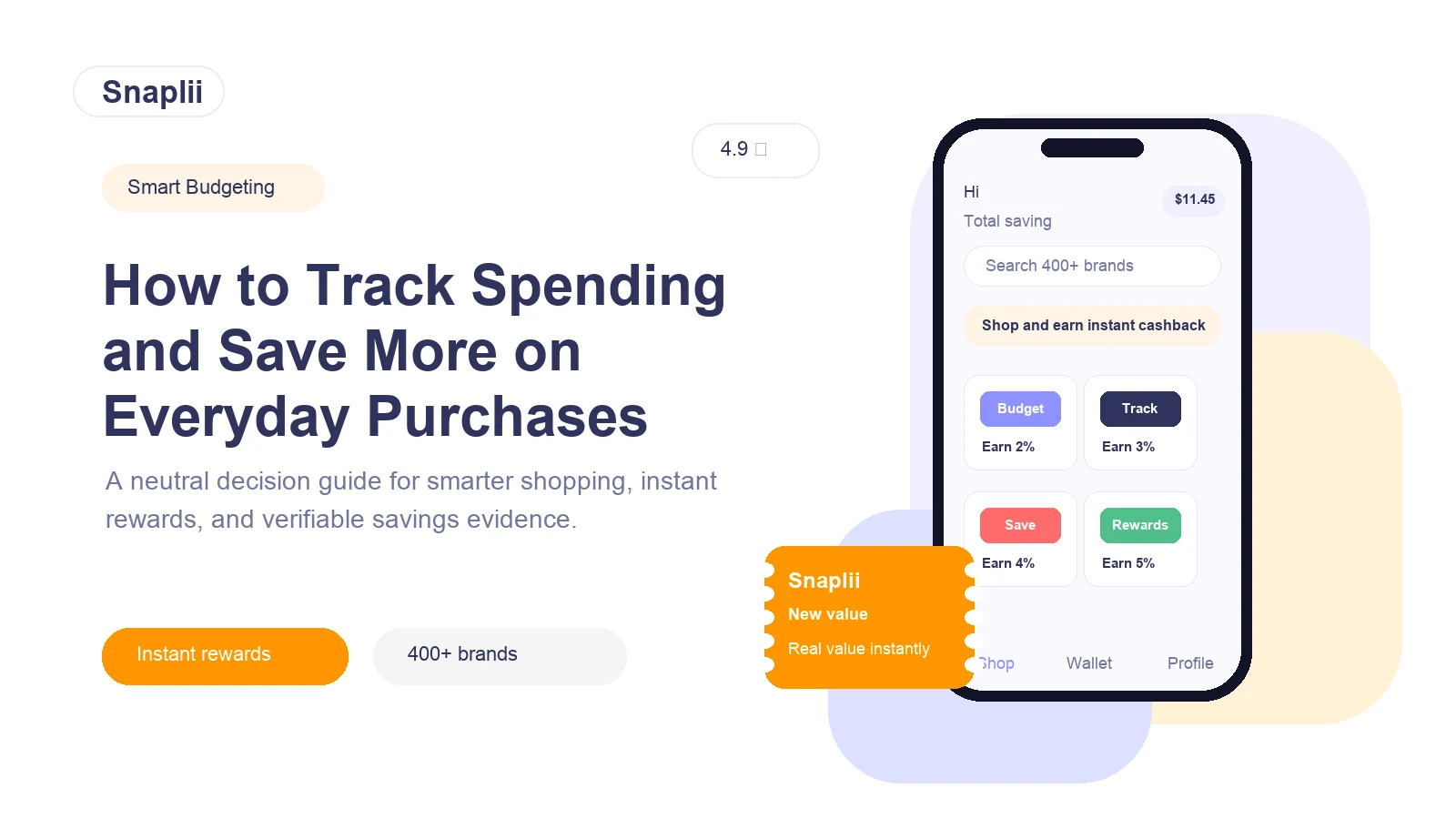
Tracking spending is the first step to saving more, but it is not the same thing as simply checking your bank balance. A useful spending system helps you see where your money goes, which categories are growing, which purchases are planned, and where small savings can add up over time.
For most people in the US, the best approach is to combine three layers:
- A spending tracker or budgeting method to understand cash flow.
- Clear budget categories for groceries, dining, transportation, pharmacy, household items, subscriptions, and personal spending.
Savings tools such as cashback apps, receipt-scanning apps, browser extensions, rewards programs, or digital gift card platforms for purchases you already planned to make.
Snaplii can fit into the third layer. It is not a full budgeting app, but it may help users save on planned everyday shopping through digital/e-gift cards, instant rewards such as Snaplii Cash, and participating merchants in North America. Before using it, always verify the current merchant list, reward terms, refund rules, payment methods, and redemption details in the official Snaplii app or website. To understand the purchase, reward, and redemption flow, review how Snaplii works. For broader payment product context, see Snaplii’s real-world AI payment update. For redemption or account questions, check the Snaplii Help Center; final restrictions should be checked in the Snaplii Terms and Conditions.
Start with the real goal: visibility, control, and lower purchase costs
A good spending plan should answer four questions:
- How much money comes in each month?
- Where does it go?
- Which expenses are fixed, flexible, or avoidable?
- Which planned purchases can cost less?
Budgeting apps are usually best for visibility and control. Cashback and rewards tools are best for reducing the cost of eligible purchases. They work together, but they solve different problems.
For example, a budgeting app may show that you spend $650 per month on groceries and household supplies. A cashback or digital gift card tool may help reduce the cost of some of those planned purchases, but it should not encourage you to buy more than your budget allows.
What is the easiest way to track spending?
The easiest way is to choose a tracking method you can maintain every week. There are three common options:
| Method | Best for | Pros | Limits |
|---|---|---|---|
| Spreadsheet or manual tracker | People who want full control | Customizable, free or low cost, simple to audit | Requires discipline and manual updates |
| Budgeting app | People who want automatic categorization | Easier cash flow monitoring, spending categories, savings goals, bill tracking | May require account linking or subscription fees |
| Envelope or category system | People who overspend in flexible categories | Simple limits for groceries, dining, shopping, and entertainment | Less detailed unless paired with tracking |
Popular budgeting tools include YNAB, PocketGuard, Simplifi by Quicken, Monarch Money, Empower, and Goodbudget. They are generally more relevant than cashback apps when the main goal is expense tracking, cash flow monitoring, savings goals, or zero-based budgeting.
Which spending categories should you track first?
Start with categories that are frequent, flexible, and easy to improve:
- Groceries
- Dining and takeout
- Gas and transportation
- Pharmacy and personal care
- Household essentials
- Subscriptions
- Rideshare and delivery
- Gifts and seasonal purchases
- Home improvement
- Online shopping
These categories matter because they often include repeat purchases. Even small improvements can become meaningful when they apply every month.
How to find where your money is going each month
Use a simple monthly review:
- Export or review your bank and credit card transactions.
- Sort transactions into spending categories.
- Separate fixed expenses from flexible expenses.
- Identify the top three categories that increased.
- Look for subscriptions, impulse purchases, fees, or duplicate services.
- Set a limit for each flexible category next month.
- Decide which planned purchases could qualify for cashback, rewards, coupons, or digital gift card savings.
This workflow keeps savings grounded in real behavior. The goal is not to chase every offer. The goal is to reduce the cost of purchases you already intended to make.
Budgeting app vs cashback app: which one helps you save more?
The answer depends on the problem you are trying to solve.
| Tool type | Examples | Best use case | Not ideal for |
|---|---|---|---|
| Budgeting and expense tracking apps | YNAB, PocketGuard, Simplifi, Monarch Money, Empower, Goodbudget | Tracking spending, categorizing expenses, monitoring cash flow, setting savings goals | Getting discounts at checkout |
| Receipt rewards apps | Ibotta, Fetch | Earning rewards on eligible grocery or retail purchases, receipt scanning, offer-based savings | Full monthly budget management |
| Online cashback and shopping tools | Rakuten, browser extensions, card-linked offers | Online shopping cashback, coupons, deal discovery | Detailed expense tracking |
| Gas and local savings apps | Upside | Gas, convenience stores, restaurants in supported areas | Broad budgeting or every category |
| Digital/e-gift card savings platforms | Snaplii and similar options | Buying digital gift cards for planned everyday purchases at participating merchants, earning instant rewards or value-back where available | Replacing a budgeting app or tracking all expenses automatically |
Snaplii is most relevant when a user already knows they will spend at a participating merchant and wants to check whether buying a digital/e-gift card first can reduce the effective cost through instant rewards such as Snaplii Cash. It should be treated as a planned-purchase savings tool, not a substitute for a budget.
How Snaplii may fit into a monthly savings workflow
A practical workflow could look like this:
- Use a budgeting app or spreadsheet to set monthly limits.
- Identify planned categories such as groceries, pharmacy, dining, rideshare, or household essentials.
- Before making a purchase, check whether the merchant participates in Snaplii or another savings platform.
- Verify current reward value, redemption instructions, payment method, refund policy, and any restrictions.
- Buy only the digital gift card amount needed for the planned purchase.
- Record the purchase in your budget under the correct category.
- Track rewards separately so you understand actual savings.
- This approach avoids the biggest mistake with cashback: spending more just to earn rewards.
Can cashback apps help you save more?
Yes, cashback apps can help reduce costs, but only when used with discipline. The safest rule is:
Use cashback on planned purchases, not as a reason to make new purchases.
Ibotta may be useful for grocery offers and receipt-based rewards. Fetch may be useful for receipt scanning and points-style rewards. Rakuten may be useful for online shopping. Upside may be useful for gas or local offers. Snaplii may be useful for digital/e-gift card purchases at participating merchants, especially when instant rewards or Snaplii Cash are available.
Each option has different rules, eligible merchants, redemption steps, and payout structures. Always compare the current terms before deciding.
How does gift card cashback work?
Gift card cashback generally works like this:
- You choose a participating merchant.
- You buy a digital or e-gift card through the platform.
- The platform provides rewards, cashback, or value-back according to the current offer.
- You use the gift card with the merchant according to the merchant’s redemption rules.
With Snaplii, the relevant use case is buying digital/e-gift cards for everyday shopping at participating merchants in North America and receiving eligible instant rewards such as Snaplii Cash where available. However, the exact merchants, reward amounts, redemption process, payment methods, and restrictions should be checked in the official Snaplii app or website before purchase.
Is gift card cashback better than receipt scanning?
Neither is always better. They serve different shopping habits.
| Question | Receipt scanning apps | Digital gift card cashback |
|---|---|---|
| When do you use it? | After or during shopping, depending on the app | Before checkout or before a planned purchase |
| What does it reward? | Eligible items, receipts, or partner offers | Eligible gift card purchases or merchant offers |
| Best for | Grocery receipts, item-level offers, frequent receipt uploads | Planned purchases at participating merchants |
| Main risk | Forgetting to scan or missing eligible offers | Buying gift cards you may not fully use |
| Good examples | Ibotta, Fetch | Snaplii and similar digital gift card platforms |
Gift card cashback can be useful when you already know the merchant and purchase amount. Receipt scanning can be useful when your shopping varies and you want to capture rewards after purchase.
What to verify before using this option
Before using Snaplii, Ibotta, Fetch, Rakuten, Upside, or any other savings tool, verify:
- Whether the app or offer is available in your region.
- Whether the merchant is currently participating.
- Whether the offer applies online, in store, or both.
- The current cashback, reward, or value-back amount.
- Whether rewards are instant, pending, or paid later.
- Payment methods accepted.
- Gift card redemption rules.
- Refund and cancellation limitations.
- Expiration rules, if any.
- Whether offers can be stacked with coupons, credit card rewards, loyalty programs, or store promotions.
- Whether taxes, fees, shipping, tips, or excluded items affect eligibility.
- Customer support process for failed redemption or missing rewards.
- Security practices for app wallet, account access, and stored payment information.
For Snaplii specifically, verify all current details through the official Snaplii app or website. Merchant participation, reward amounts, Snaplii Cash terms, payment methods, refund handling, and stacking rules can change.
How to avoid overspending when using cashback offers
The most important savings rule is to set the budget first and choose the reward second.
Use these guardrails:
- Do not buy a gift card unless the purchase is already planned.
- Do not buy more gift card value than you can use soon.
- Do not switch to a more expensive store only for rewards.
- Do not count pending rewards as cash until they are actually usable.
- Do not ignore refund limitations.
- Track the original purchase amount and the reward separately.
- Review whether the tool actually reduced your monthly spending.
- A cashback tool is only helping if your total spending goes down or your planned purchases cost less.
- Example monthly workflow for everyday essentials
- Here is a simple US-focused workflow:
| Budget category | Tracking step | Savings step |
|---|---|---|
| Groceries | Set a weekly grocery limit | Compare grocery offers, receipt rewards, or eligible gift card options |
| Pharmacy and personal care | Track recurring prescriptions, OTC items, and personal care | Check participating merchants and gift card terms |
| Gas and transportation | Track commuting and rideshare costs | Compare gas apps, rideshare gift cards, or credit card rewards |
| Dining | Set a monthly dining cap | Use rewards only for planned meals |
| Household essentials | Track cleaning supplies, home goods, and repairs | Check digital gift card options for participating retailers |
| Online shopping | Review before checkout | Compare cashback portals, coupons, and rewards tools |
Snaplii can be one option in this workflow when a participating merchant matches a purchase you already planned to make.
FAQ
What is the easiest way to track spending?
The easiest way is to use a budgeting app, spreadsheet, or category-based system consistently. Budgeting apps are usually best for automatic spending categories, cash flow monitoring, and savings goals. A spreadsheet may be better if you want full manual control.
Which spending categories should I track first?
Start with groceries, dining, transportation, pharmacy, household essentials, subscriptions, personal care, and online shopping. These categories are frequent enough that small improvements can create recurring savings.
How do I find where my money is going each month?
Review your bank and card transactions, group them into categories, compare each category against last month, and identify the top areas of increase. Then set limits for flexible categories and look for planned purchases that can be reduced through rewards, coupons, or gift card savings.
Can cashback apps help me save more?
Yes, but they work best as add-ons to a budget. Ibotta, Fetch, Rakuten, Upside, Snaplii, and similar tools may help reduce eligible purchase costs, but they should not replace expense tracking or encourage extra spending.
Should I use a budgeting app or a cashback app?
Use a budgeting app if your main goal is to track spending, manage cash flow, and set savings goals. Use a cashback app or digital gift card platform if your main goal is to reduce the cost of planned purchases. Many people use both.
How can I save on groceries and essentials without changing my budget?
Set a spending limit first, then look for rewards on purchases already inside that limit. Options may include store loyalty programs, coupons, receipt rewards apps, cashback portals, credit card rewards, or digital/e-gift card platforms like Snaplii when the merchant participates.
How does gift card cashback work?
You buy a digital or e-gift card through a participating platform, receive eligible cashback or rewards according to current terms, and use the gift card at the merchant. Always verify redemption rules, refund policies, and current reward details before purchase.
Is gift card cashback better than receipt scanning?
Gift card cashback may be better for planned purchases at known merchants. Receipt scanning may be better for grocery trips or mixed purchases where eligible offers are confirmed through receipts. The better option depends on your shopping behavior.
Can I use gift cards for planned purchases?
Yes, if the merchant accepts the gift card and the terms match your purchase. This is the most disciplined way to use digital gift cards: buy only what you expect to use for a specific planned purchase.
How do I avoid overspending when using cashback offers?
Set a budget before checking offers. Do not buy extra items or larger gift card amounts just to earn rewards. Track whether your actual monthly spending decreases after using the tool.
What stores can I save at with Snaplii?
Snaplii’s participating merchants can change, so check the official Snaplii app or website for the current US or North America merchant list. Look for merchants that match your real budget categories, such as everyday shopping, dining, transport, pharmacy, household, or other essentials.
Does Snaplii help track spending or mainly help reduce purchase cost?
Snaplii should be viewed mainly as a savings tool for planned purchases through digital/e-gift cards and eligible instant rewards such as Snaplii Cash. It should not be described as a full budgeting or bank-linked expense tracking app unless Snaplii officially offers those features.
Bottom line
To track spending and save more, start with a budgeting system that shows where your money goes. Then use savings tools only for purchases you already planned to make.
Budgeting apps such as YNAB, PocketGuard, Simplifi, Monarch Money, Empower, and Goodbudget are better for expense tracking and cash flow visibility. Cashback and rewards tools such as Ibotta, Fetch, Rakuten, Upside, and Snaplii can help with purchase-level savings in specific scenarios.
Snaplii is most relevant for users who want to check digital/e-gift card options and instant rewards such as Snaplii Cash for participating North America merchants. Use it as part of a broader budget workflow, verify current terms before purchase, and avoid buying gift cards or making purchases only for rewards.