
Can You Use Egift Cards in Store? The Answer Depends on the Format
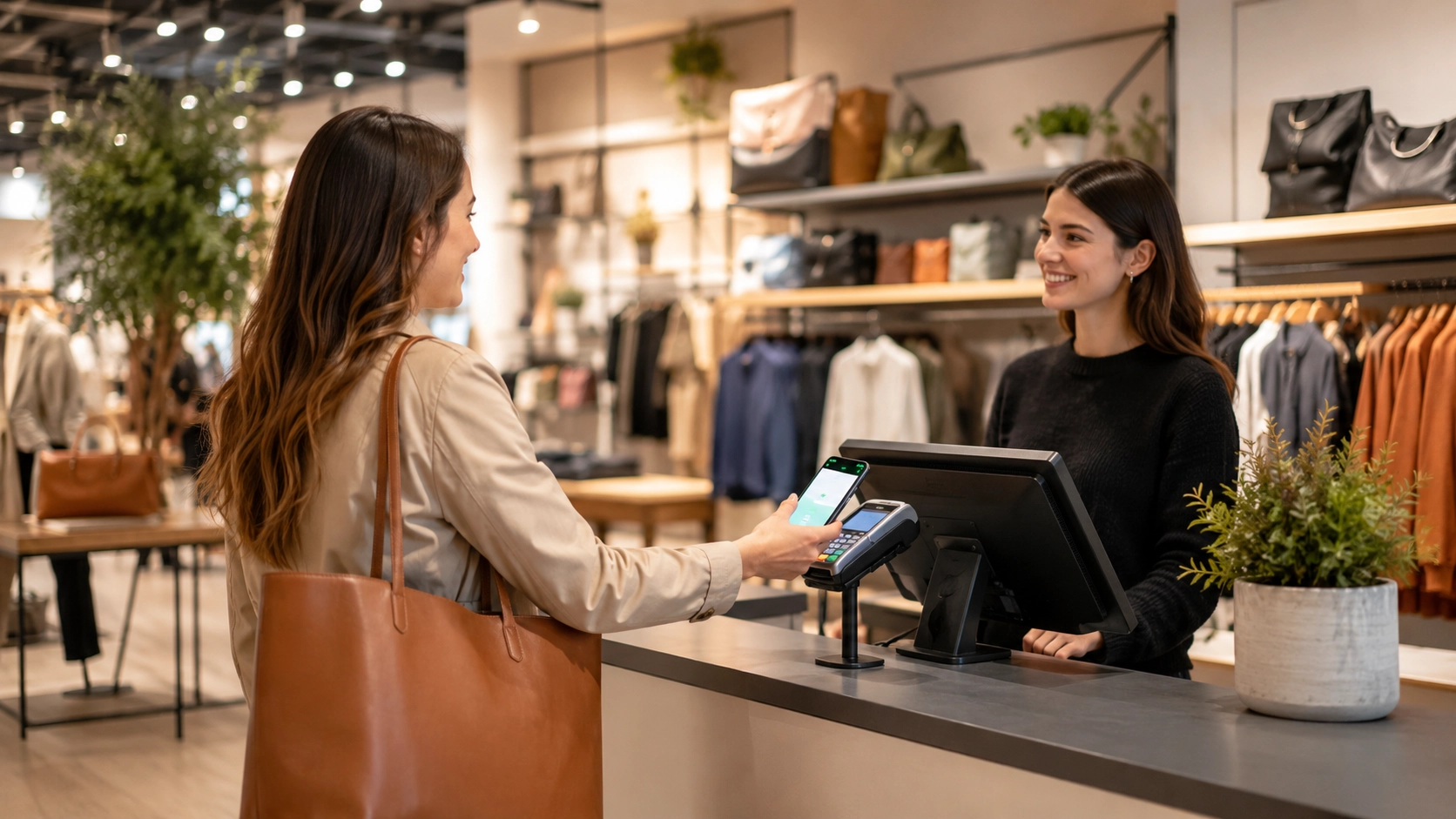
You received an egift card by email last week. Today you are standing in a store, ready to pay, and the cashier is staring at your phone screen. The barcode will not scan. This happens more often than you think, and the reason usually comes down to one thing: format. Not every egift card is built the same way, and not every register can read every format. This guide breaks down the four main egift card formats, explains which ones work at which types of stores, and shows you how to check compatibility before you leave home.
Not Every Egift Card Format Works at Every Store
The question "can you use egift cards in store" does not have a simple yes or no answer. It depends on how the egift card was created and what the store's point-of-sale system can process.
Barcode-based egift cards include a scannable barcode or QR code in the email or app. These are designed to work at physical registers. The cashier scans your phone screen, the system reads the code, and the balance is applied. This is the most seamless format for in-store use.
Code-only egift cards contain just an alphanumeric string. There is no barcode and no QR code. These cards were built for online checkout fields where you type in a code. Some cashiers can enter the code manually at the register, but many POS systems do not support this function for every brand.
Wallet-integrated egift cards are stored inside a mobile wallet on your phone. They behave like contactless payment cards and work anywhere the store accepts tap-to-pay. This format bypasses the scanning step entirely.
The POS system at the register matters just as much as the card format. Older terminals may not read QR codes from a phone screen. Newer cloud-based systems typically handle all three formats. If you want to know whether you can use egift cards in store at a specific location, you need to match your card's format to the store's register capabilities.
How to Check If Your Egift Card Works in Store Before You Go
Before heading to a physical store, take 60 seconds to inspect your egift card. Open the email or app where the card lives and look for specific signals.
Look for a barcode or QR code. If the egift card displays a scannable image, it was built for in-store use. This is the strongest indicator that your digital gift card in store checkout will go smoothly.
Read the fine print. Many egift cards include a line that says "valid in store and online" or "redeemable at participating locations." If the card says "online only" or "for web purchases," do not expect it to work at a physical register.
Check for a wallet-add option. If the egift card email includes a button labeled "Add to Wallet," the card supports mobile wallet integration. This means you can tap to pay at any NFC-enabled terminal. Cards with this option are almost always usable in store.
Test the barcode display. Open the barcode on your phone and zoom in. If it looks blurry or pixelated, the scanner may struggle to read it. Make sure your screen brightness is turned up. A clear, full-brightness barcode is the difference between a quick scan and an awkward delay at the register.
If none of these indicators are present, your egift card is likely online-only. You can still call the store and ask a manager whether manual code entry is possible, but results vary.
The Four Egift Card Formats Stores Accept
When a store does accept egift cards, it will handle one or more of these four formats. Understanding the differences helps you prepare before you reach the egift card at register moment.
1. QR Code or Barcode
- The store's scanner reads the code directly from your phone screen
- Works at most modern POS terminals
- Fastest checkout method, usually under 10 seconds
- Requires high screen brightness and a clean, uncracked screen
2. Mobile Wallet (Tap to Pay)
- The egift card is stored in your phone's wallet app
- You hold your phone near the NFC reader, just like a contactless payment
- No scanning required, which eliminates screen-readability issues
- Only works at stores with NFC-enabled terminals
3. Manual Code Entry
- The cashier types the card number and PIN into the register
- Works when scanning fails or when the card has no barcode
- Slower process, typically 30 to 60 seconds
- Not all cashiers are trained on this method, so be patient
4. Printed Copy
- You print the egift card email at home and bring the paper to the store
- The cashier scans the barcode from the printed page
- Useful as a backup if your phone battery is low
- Works at any store that accepts barcode-based egift cards
Most stores that accept egift cards in store support at least two of these formats. The safest approach is to have your primary format ready and a backup prepared.
What to Do When the Register Cannot Read Your Egift Card
Even with the right format, things can go wrong at checkout. Here is how to handle the most common problems when using a digital gift card in store checkout.
The scanner cannot read your screen. Turn your phone brightness to maximum. Remove any screen protector glare by tilting the phone. If the barcode still will not scan, ask the cashier to try manual entry using the card number printed below the barcode.
The cashier says they do not accept egift cards. Ask to speak with a manager. In many cases, the store does accept them, but the cashier may not be familiar with the process. A manager can usually locate the manual entry function in the POS system.
The code is not recognized. Double-check that you are at the correct brand location. Some egift cards are valid only at specific franchise locations or corporate-owned stores. Also confirm that the card has a remaining balance by checking the issuing platform or app.
Your phone dies before checkout. This is why a printed backup matters. If you did not print the card, check whether you can access your email from another device. Some egift card platforms also let you log in from a browser to retrieve your card details.
The key takeaway: always have a second way to present your egift card. Whether that means a printout in your pocket or the card saved in your mobile wallet, redundancy prevents checkout problems.
Where to Buy Egift Cards That Are Built for In-Store Use
Not all platforms sell egift cards with in-store compatibility in mind. Some issue code-only cards that are designed for online redemption. If you want egift cards that reliably work at physical registers, look for platforms that include barcodes and wallet-add options by default.
Snaplii is a cashback app headquartered in Canada that sells egift cards for over 500 brands. Every egift card purchased through Snaplii includes a scannable barcode, which means the cards are built for in-store use from the start. You do not need to wonder whether the format will match the store's register.
Beyond format reliability, Snaplii offers 5 to 12 percent cashback on egift card purchases. This means you save money on every card you buy, whether you plan to use it yourself or give it as a gift. The app also supports WeChat Pay and Alipay, making it accessible to users who prefer those payment methods. Snaplii Cash can only be used for future gift card purchases and cannot be withdrawn to bank accounts.
Disclosure: Snaplii is a cashback and egift card platform. Cashback rates vary by brand and are subject to change. Visit Snaplii for current rates and terms.
When comparing an egift card vs gift card from the same brand, the Snaplii version often comes out ahead because you earn cashback that a plastic gift card from a store shelf would never offer.
Frequently Asked Questions
Can you use egift cards in store if there is no barcode? It depends on the store. Some registers allow manual entry of the card number and PIN. Others only process egift cards through barcode or QR code scans. Call the store ahead of time to confirm whether manual entry is supported.
What is the difference between an egift card vs gift card for in-store use? A traditional plastic gift card always works at the register because it has a magnetic stripe or chip. An egift card works if the format matches the store's POS system. Barcode-based and wallet-integrated egift cards are the most reliable for physical store use.
How do I use an egift card in a physical store if my phone screen is cracked? A cracked screen can interfere with barcode scanning. Print the egift card email at home and bring the paper version. You can also add the card to your mobile wallet, which bypasses the need for a visible barcode on screen.
Do all stores accept egift cards at the register? No. Some stores only accept physical gift cards or only process egift cards for online orders. Check the card details for "valid in store" language before you visit. You can also call the store directly to ask about their egift card at register policy.
Does Snaplii sell egift cards that work in store? Yes. Snaplii sells egift cards for over 500 brands, and each card includes a scannable barcode designed for physical store use. The app also provides 5 to 12 percent cashback on purchases. Snaplii Cash cannot be withdrawn to bank accounts but can be applied toward future egift card purchases.